TRAINING HANGAR
Free Typing Games Online
Play free typing games designed to sharpen speed, accuracy, rhythm, and keyboard control. From speed racing and falling words to stickman combat, choose a game and start playing directly in your browser — 100% free, no download, no signup.

NITRO SPEED
Race five rivals by typing! Correct letters accelerate your car and Enter fires your nitro. 12 tracks, 8 cars to unlock, no login.
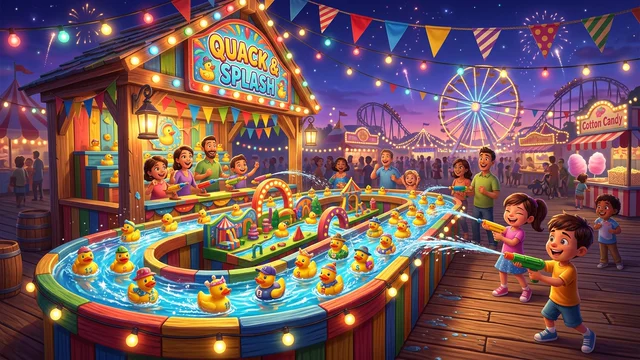
TYPE TOSS
Type the word on a duck or panda to toss a beach ball and splash it! Three modes, combo streaks and best scores. Great for kids.
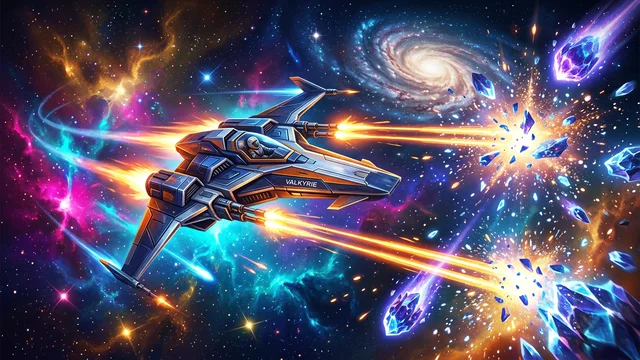
WORD DESTROYER
Words fall from the top of the screen — type each one before it reaches the bottom. Each wave gets faster. Trains burst speed and reaction time under pressure.
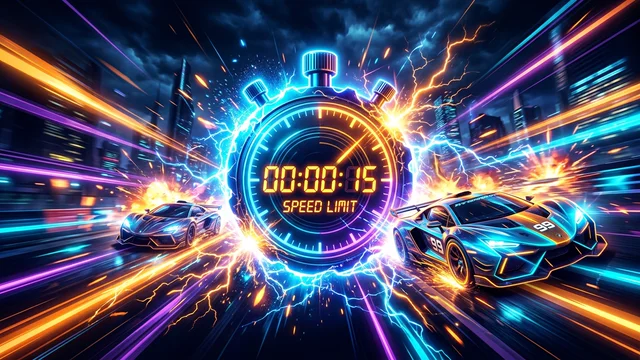
TYPERUSH BLITZ
Words appear one at a time. Beat the clock in 30-second blitzes to train clean, consistent keystrokes and cadence.

FLY MODE
Control an airplane with your typing speed! Type fast to climb altitude, type slow or make consecutive typos to drop. Avoid crashing into the ground.
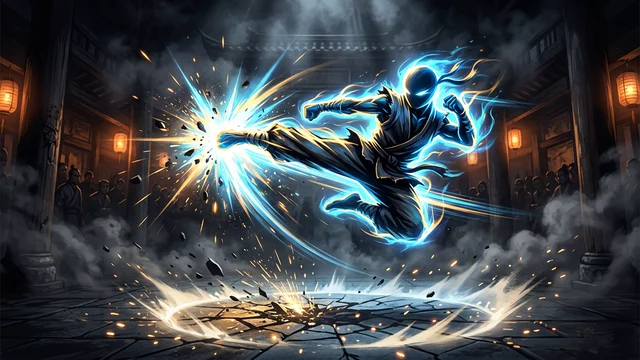
STICKMAN FIGHTER
Enter the stickman typing warrior arena! Type paragraphs to power martial arts punches and kicks in this keyboard beat 'em up game. Chain combos, survive enemy counterattacks, and defeat the boss.
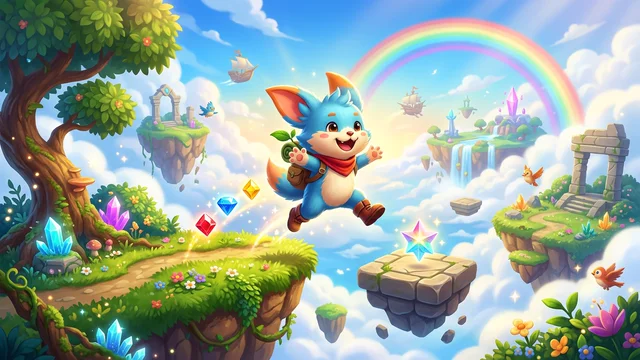
KEYBOARD JUMP
Hop across floating platforms by typing words accurately! Each letter moves your robot companion one step; complete the word to launch into an arc leap across 7 procedural worlds.
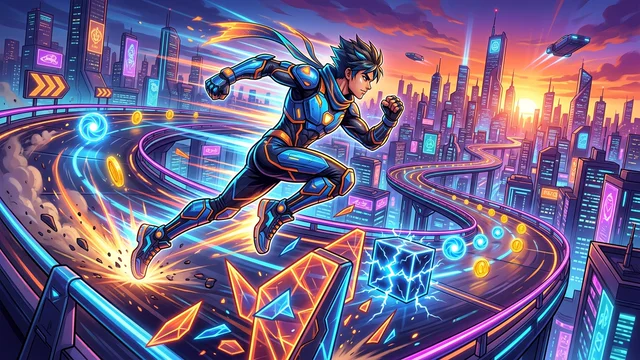
LETTER DASH
Endless typing runner! Jump over crates, duck under birds, and air-boost across 7 dynamic biomes by typing incoming letters. Chain insane timing bonuses.
Want structured practice instead of games?
Why Play Free Typing Games Online?
Standard typing practice can quickly turn tedious: a timer ticks, words appear, you copy them, and repeat. While repetitive drills develop baseline finger location, they often lead to autopilot habits where typists stop actively pushing their limits. Free typing games break this monotony by linking every keystroke to instant, gamified visual consequences.
In our newly released Stickman Typing Game Online, become a typing warrior in a fluid martial arts beat 'em up where accurate words trigger combos and typos result in enemy counterattacks. In Fly Mode, your flight altitude is tied directly to your live WPM — type fast to soar or drop and crash. In Word Destroyer, falling words force rapid target acquisition, training burst speed under pressure. In Nitro Speed, a car typing race game, every correct letter is throttle against five rivals. In the 30-second blitz TypeRush, word-by-word sprints develop rhythmic consistency without distraction.
Whether you are searching for typing games for kids, typing games for beginners, or high-stakes typing games for adults, these keyboard typing games free of bloatware run natively in your browser. There is no need for a typing games free download for pc offline — enjoy instant 60 FPS performance, mobile-friendly input support, and automatic personal best tracking directly in your browser.
Frequently Asked Questions — Free Typing Games
Do typing games actually improve typing speed and keyboard accuracy?
Yes, when used alongside structured practice. Free typing games train specific neuromuscular reflexes that standard tests neglect: burst speed under pressure in Word Destroyer, paragraph-long racing against five rivals in Nitro Speed, word-by-word cadence in TypeRush, dynamic altitude control in Fly Mode, and combat stamina in our martial arts beat 'em up Stickman Fighter. Playing 5–10 minutes of fast typing games before a formal test raises peak WPM by loosening finger tendons and sharpening motor focus.
Is there a free typing race game like Nitro Type?
Yes. Nitro Speed is our free car typing race game: five red lights, five AI rivals and one paragraph per track. Correct letters accelerate your car, a wrong key never moves it, and Enter fires one nitro boost per race. Win to unlock 12 tracks and earn cash for 8 cars, with no login. Nitro Speed is an independent TypingProo game and is not affiliated with Nitro Type or Teaching.com.
Which typing games are best for beginners vs adults?
For beginners and kids, TypeRush and the Easy Mode of Stickman Fighter provide comfortable, isolated word practice without falling objects or instant-fail penalties. Once you consistently type above 35 WPM, move into Word Destroyer for reaction speed, and tackle the Normal and Hard combat tiers of Stickman Fighter or Fly Mode for advanced speed typing challenges.
What is a typing warrior game and how does Stickman Fighter work?
A typing warrior game combines touch typing with martial arts combat. In our Stickman Typing Game, you play as a martial arts fighter where every correctly typed word executes punches, kicks, and devastating combos. Errors trigger enemy counterattacks. Complete full paragraphs to unleash finishing moves, build your style rank from D to SS, and unlock the secret 3-strikes Final Boss battle.
Are these typing games free online or do I need to download them for PC offline?
All typing games on TypingProo are 100% free online games that run directly in your web browser on PC, Mac, Chromebook, and tablets. There is no need for a typing games free download for pc offline or third-party installers. Modern HTML5 Canvas engines provide lag-free 60 FPS gameplay, instant loading, and automatic local-storage score tracking with zero downloads or signup requirements.
What is the difference between typing games racing, arcade survival, and typing beat 'em up?
Each mini-game targets a distinct keyboard mechanic: Typing games racing (Nitro Speed) puts you on a track against five rivals for a full paragraph; word sprints (TypeRush) isolate individual word pacing; arcade survival (Word Destroyer) trains rapid target identification and top-row number/symbol speed; aviation simulation (Fly Mode) ties altitude directly to continuous WPM output; and typing beat 'em up (Stickman Fighter) builds paragraph-length endurance, spacebar rhythm, and high-accuracy combo consistency under combat pressure.
Can kids in kindergarten, preschool, or school play these keyboard typing games free?
Yes! Our free typing games for kids offer intuitive visual themes and accessible easy modes. School students, beginners, and young learners can safely practice keyboard familiarity, letter positioning, and hand-eye coordination without downloads or account registration.
Can typing games help with professional typing tests and government exam preparation?
Typing games are an invaluable warm-up tool that trains reflex recovery after typos. To prepare for standardized exams (such as SSC CHSL, CGL DEST, or CPCT), combine 10 minutes of arcade games with our dedicated SSC typing test and CPCT Hindi & English typing test modules, which simulate official exam scoring algorithms and backspace restrictions.